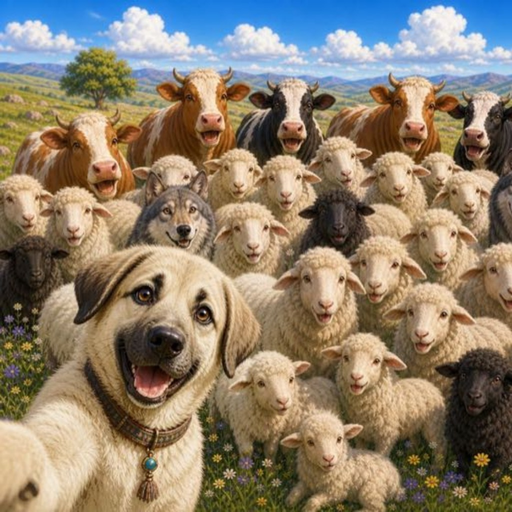
Bark & Baa: Sheep Herding Support
For help with the game, email contact@tonyukuk.dev. Include your device model, iOS or Android version, game version and a short description of what happened. A screenshot can help. Please do not send passwords or payment information. If you are under 13, ask a parent or guardian to contact us.
Moving Kangal and using Bark
Play with your device in landscape. Use the touch joystick on the left to move Kangal. Get behind the sheep to guide them toward the pen. Face a sheep or wolf and tap the Bark control on the right. Bark charges recover over time. Lift your thumb from the joystick to rest; stamina recovery uses Energy.
Keeping your progress
Your meadow, XP, upgrades, sound settings and saved attempt are stored on your device. To leave an unfinished attempt, open Pause and choose Save & home. Use Continue on the Home screen when you return.
There is no account or cloud sync. Uninstalling the game or clearing its app data can remove your progress. We do not have a server copy to restore. Moving to a different device does not transfer progress through the game.
Retrying a meadow
Restart begins the current meadow again with the same terrain. An unfinished attempt asks you to confirm before restarting. Completing a meadow advances your journey to the next one.
Adjusting sound
Open Sound from Home or Pause to adjust Music, Nature and Effects separately. Return from Sound to the screen you opened it from.
Availability
Bark & Baa: Sheep Herding is being prepared for iOS and Android. Download links will be added to the game page after release. The game is in English.
Read the game privacy policy for details about local saves and support correspondence.